Add the folders you already use
Keep packs on internal drives, external SSDs, or wherever they live today. Sample watches selected roots and notices new files automatically.
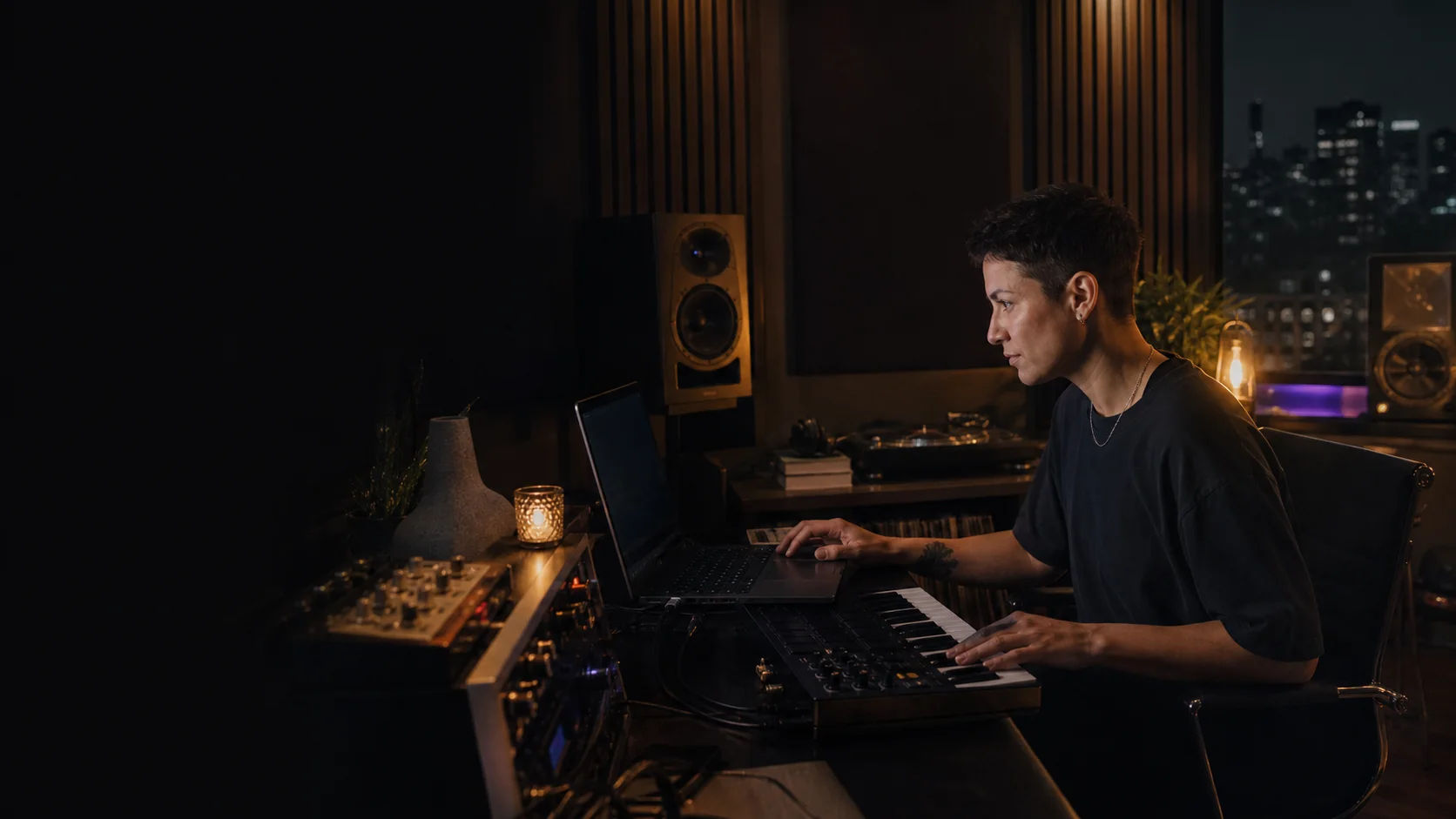
Sample turns a scattered Mac audio library into a searchable creative instrument. Describe what you need, audition the strongest matches, and drag one into your DAW—without uploading your files or buying another subscription.
The goal is not to replace your folders. It is to remove them from the creative decision loop.
Keep packs on internal drives, external SSDs, or wherever they live today. Sample watches selected roots and notices new files automatically.
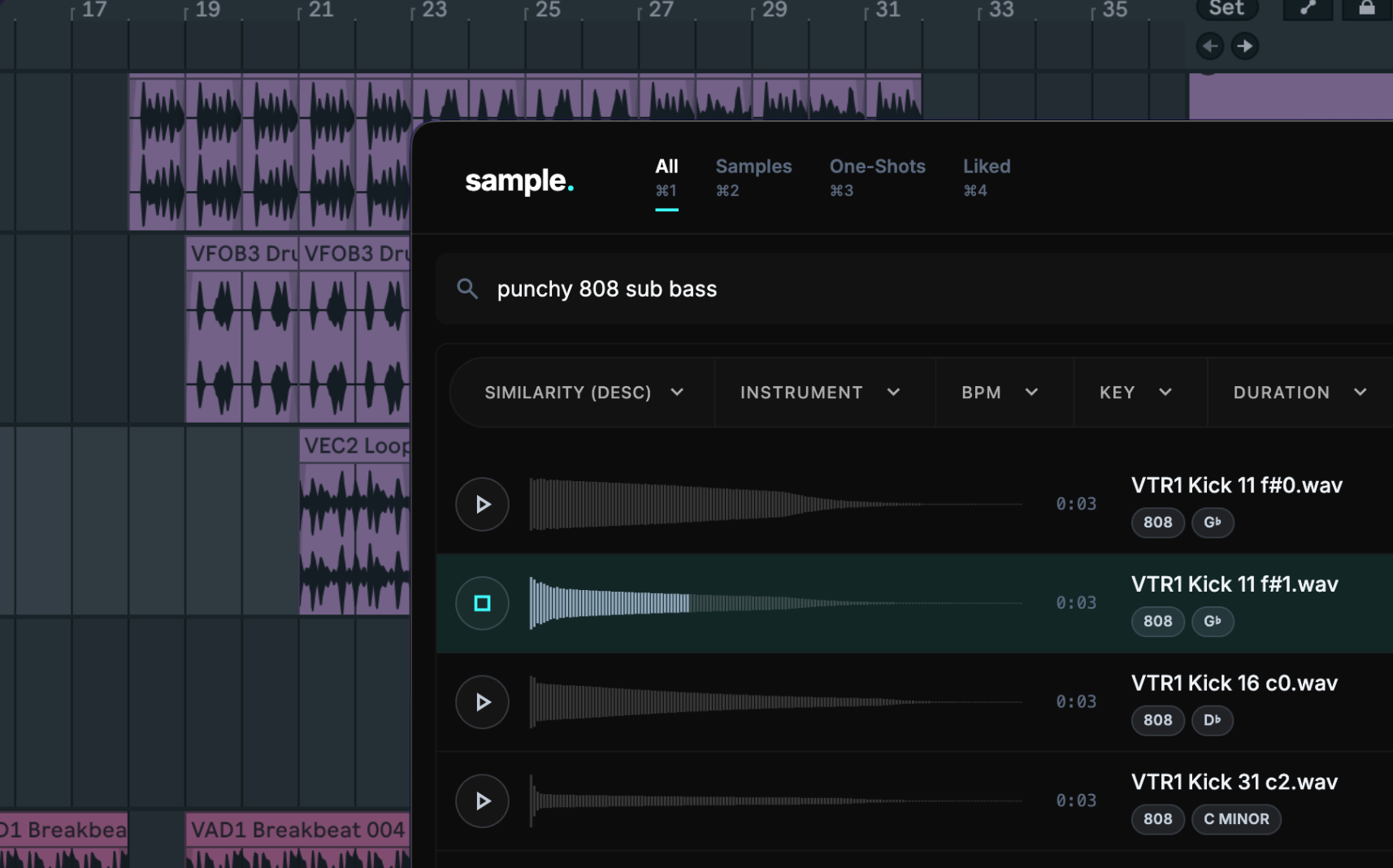
Try “dusty upright piano, intimate, not too bright” instead of remembering which vendor named a file PIA_Am_072_04.wav.
Preview in context, refine by BPM, key, instrument, or sonic character, then drag or copy the audio into Logic, Ableton, FL Studio, Pro Tools, or another DAW.
Filename search works only when a pack author and your brain use the same vocabulary. Sample listens to the sound itself, so an unhelpful filename does not have to hide a perfect result.
“Saves time” is vague. Use the pace of a normal session and see what a faster search could give back.
per year—about 1.1 hours every week for writing, arranging, finishing, or simply staying inspired.
This planning scenario assumes 50 creative weeks and a 75% faster find-and-drag cycle. It is an estimate, not a guarantee.
No plugin-format matrix to manage. No cloud upload queue. No need to move or rename the files your DAW projects already reference.
Sample runs locally on Apple Silicon (macOS 12+) and Intel Macs (macOS 14+). Minimum: 8 GB RAM; 16 GB is recommended. Minimum 5 GB of storage.
A standalone browser avoids host compatibility issues. Drag audio into any DAW, copy it, reveal it in Finder, or keep Sample on a second display while the main session stays focused.
Keep the pack structure your projects already know. Adding or removing a watched folder never means handing Sample permission to delete the original audio.
Internet is needed for activation and updates. Once activated, core browsing, analysis, and search continue locally—useful in writing rooms, flights, stages, and studios with restricted networks.
Direct answers, including the limitations worth knowing before purchase.
Sample supports Apple Silicon Macs running macOS 12 Monterey or newer and Intel Macs running macOS 14 Sonoma or newer. Choose the matching installer from your account. Windows is not currently supported.
No. Audio analysis and search run locally. Internet access is required for activation and updates; the app works offline after activation.
Sample is a standalone desktop app. Drag or copy a result into any DAW that accepts audio files.
Sample recognizes WAV, AIF, AIFF, MP3, FLAC, OGG, M4A, and Opus files.
Sample searches and analyzes locally on Apple Silicon and Intel Macs. Your audio stays on your Mac. Use it offline after activation, drag results into any DAW, and request a refund within 14 days if it does not improve your workflow.