Weight, impact, scale, warmth, or density.
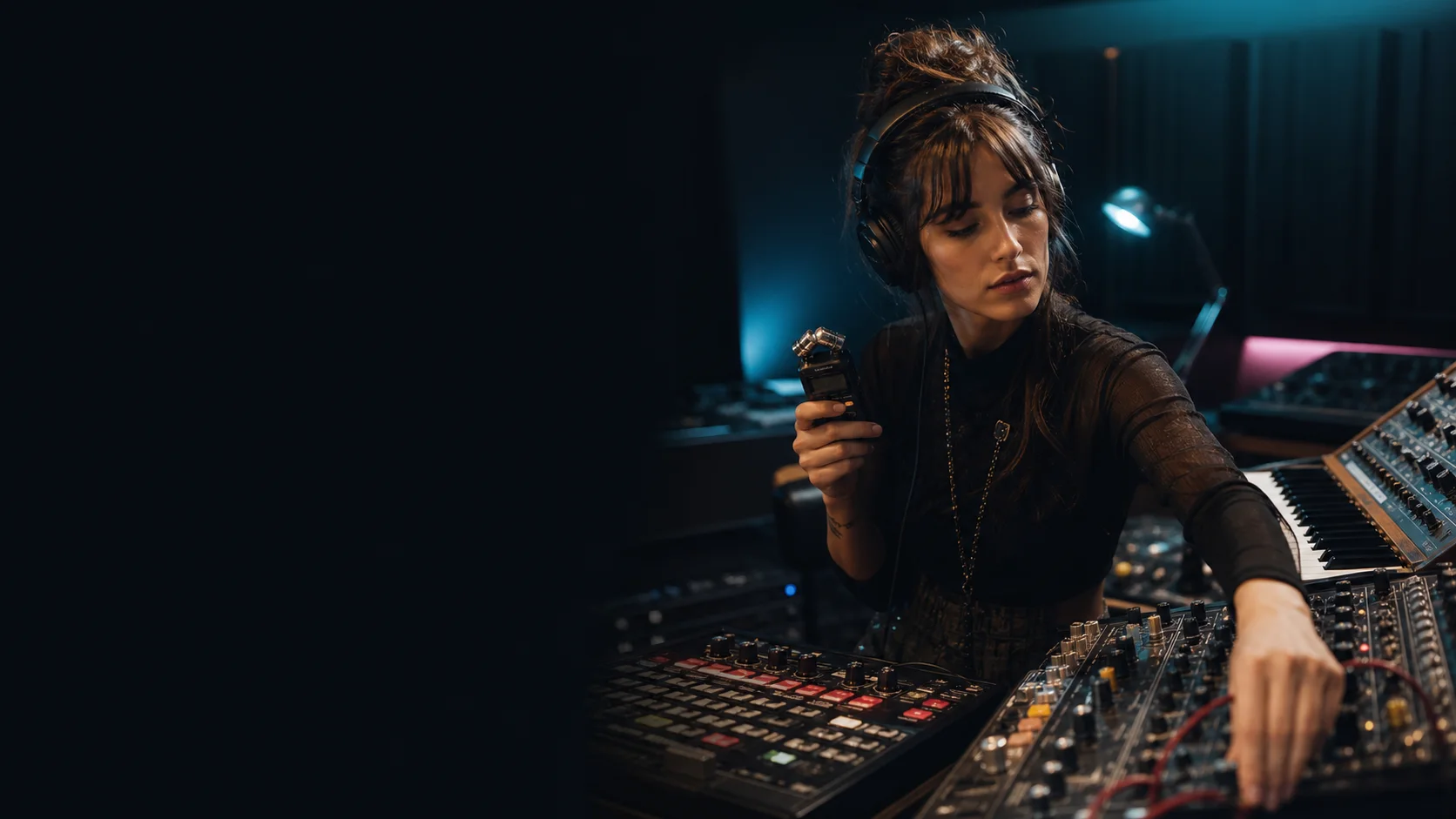
Blend two reference sounds
Take what you love from both. Find the sound between them.
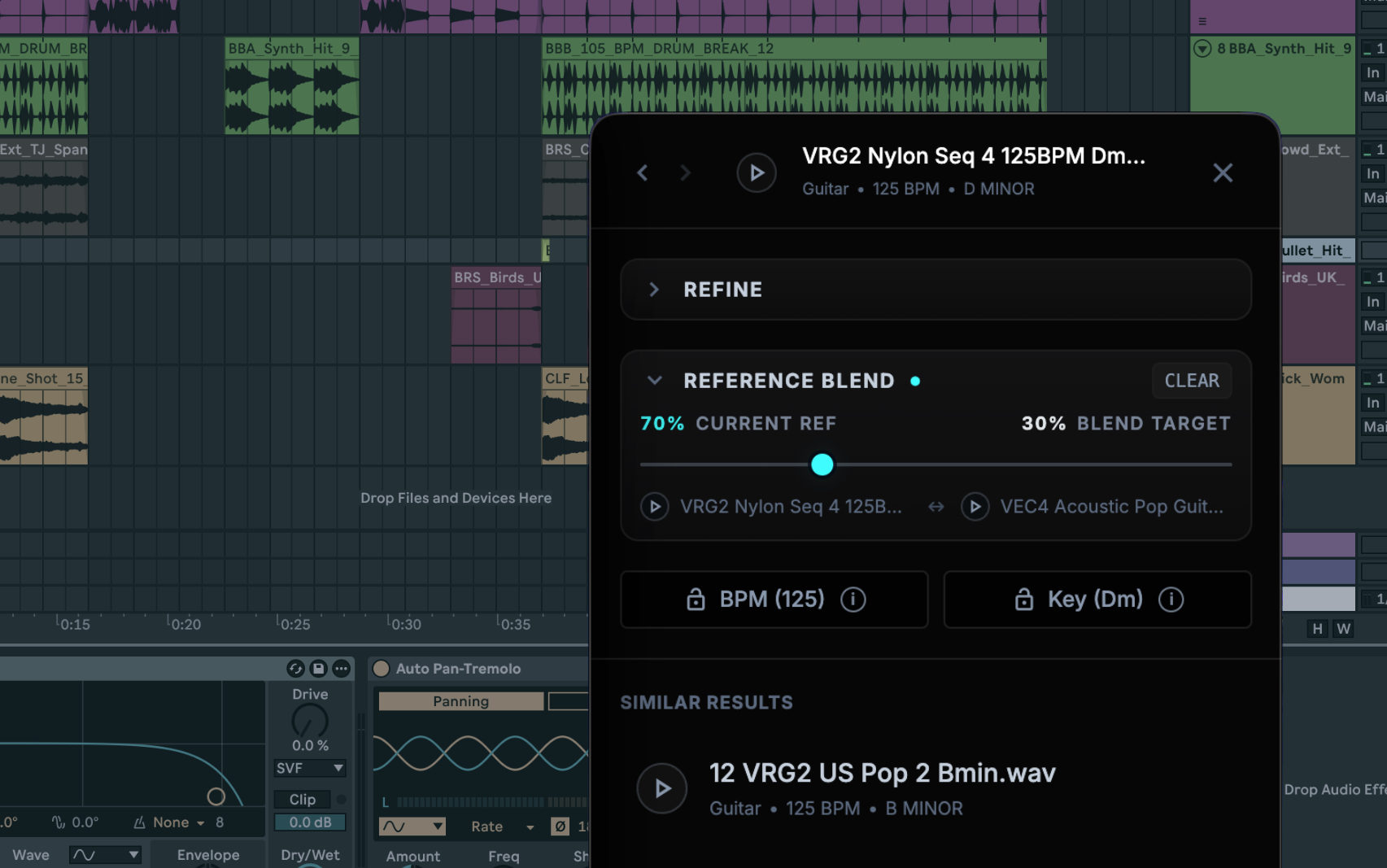
Choose two sounds from your library—maybe the body of one and the texture of another. Blend turns both references into a new search direction and finds existing files that share qualities from each.
2 referencestwo real sounds communicate the target more clearly than another long search phrase
1 directionlook between the qualities of A and B across your existing library
0 generationevery result is an audio file you already own and can use immediately
0 uploadsreferences and results stay on your Mac
Two examples can say what words cannot.
When one reference is close in one way and another is close in a different way, Blend lets both shape the search.
Texture, space, movement, brightness, or grit.
Existing sounds that carry useful qualities from both references.
Blend is discovery, not audio rendering. It does not merge waveforms, create a new sample, or modify either source file.
The actual Blend workflow
Pick A. Pick B. Audition what appears between them.
Start with any two useful references. Sample listens to both, searches the library you already own, and ranks candidates in one familiar waveform list.
- Use local audio
- Keep BPM when needed
- Keep key when needed
- Drag into any DAW
Use Blend when “more like this” is only half the answer.
The strongest pair gives each reference a clear job.
Body + room
Use the punch of a dry kick and the space of a roomy hit to find a replacement with both weight and air.
Voice + atmosphere
Pair an intimate vocal phrase with an airy texture to uncover vocal layers that feel produced without becoming a pad.
Groove + color
Use the movement of one loop and the tonal character of another, then keep BPM when the session needs the groove to land.
Impact + material
Combine the scale of a cinematic hit with the metallic or organic character of a second reference.
Choose the relationship—not the fanciest feature.
Each mode answers a different question. Switch as soon as your creative question changes.
Your questionBest modeWhat comes back
“Give me another version of this.”
Similar
Sounds close to one reference.
“What belongs beside this?”
Complementary
Contrasting sounds that can support the reference.
“I want this quality from A and that quality from B.”
Blend
Sounds located between two reference directions.
“I can describe it, but I do not have a reference.”
Plain English
Sounds matching your words and musical constraints.
Blend questions, answered.
The distinction that matters: Sample searches what you own; it does not manufacture a new file.
Does Blend mix the two reference files together?
No. Blend uses both references to shape a search direction, then returns existing audio files from your library. It does not render a layered mix.
Does Blend generate new audio?
No. Every Blend result is a file you already own. Sample does not synthesize or replace the original audio.
Can I keep tempo or key while blending references?
Yes. Add BPM or key constraints when the arrangement requires them, then audition the results in context.
What kinds of sounds can I use as references?
You can start from supported audio in your analyzed library, including loops, one-shots, vocals, instruments, ambience, effects, and personal recordings.
One-time purchase · $129 launch price
Stop choosing between two almost-right sounds.
Sample searches and analyzes locally on Apple Silicon and Intel Macs. Your audio stays on your Mac. Use it offline after activation, drag results into any DAW, and request a refund within 14 days if it does not improve your workflow.