SAMPLE
Describe the sound you imagine.
Sample finds it in your library.
14-day money-back guarantee
✔ One-time purchase. No subscription.
✔ Private by design. Your files stay on your machine.
✔ Works offline once activated.
FROM FOLDER DIGGING
TO SOUND DISCOVERY
Add your folders once. Sample listens to the audio itself, keeps your library in sync, and gives you new ways to search, filter, and explore by sound — without relying on filenames, tags, or folder memory.
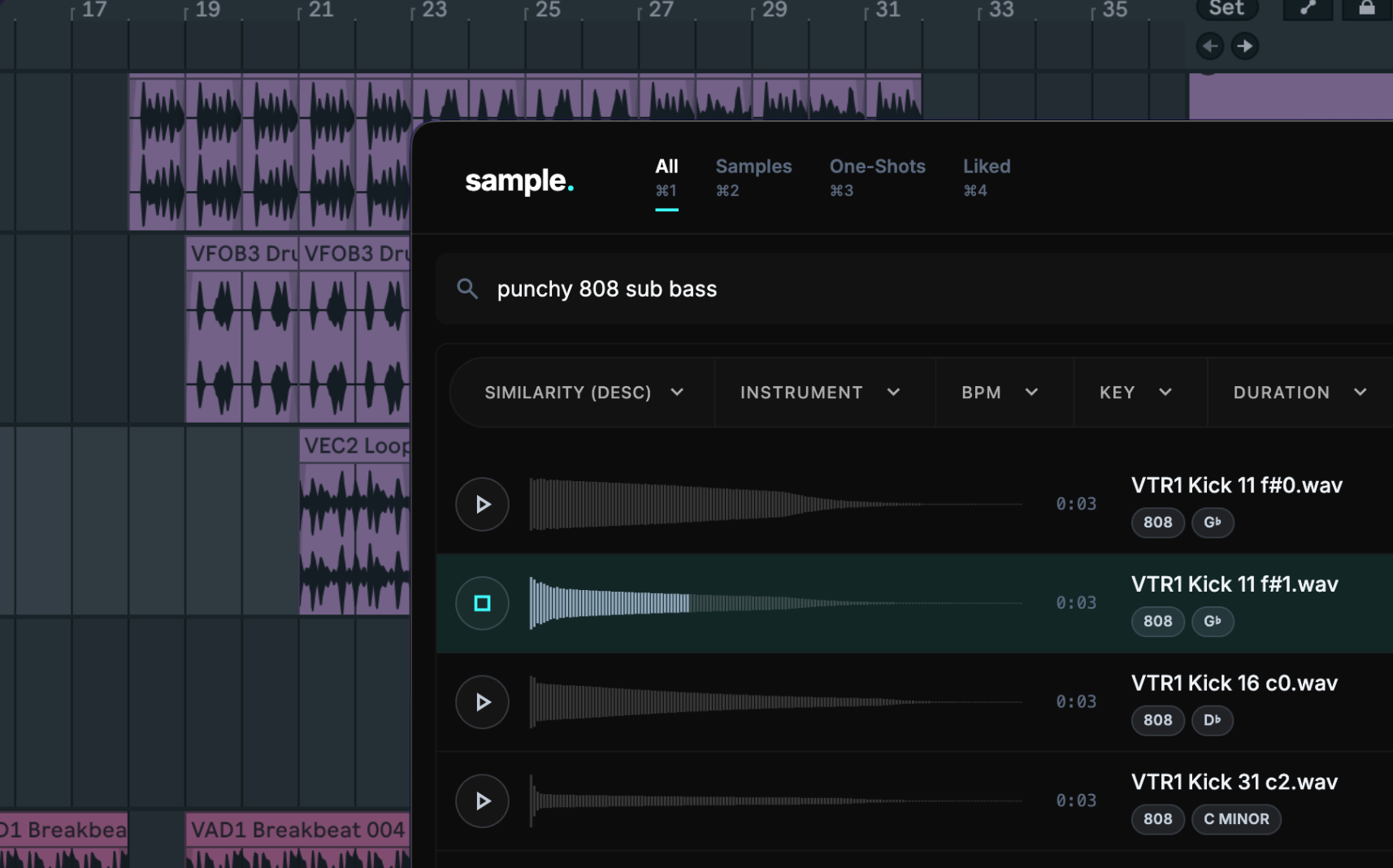
SEARCH SOUNDS
Type what you want — instantly get results that fit.
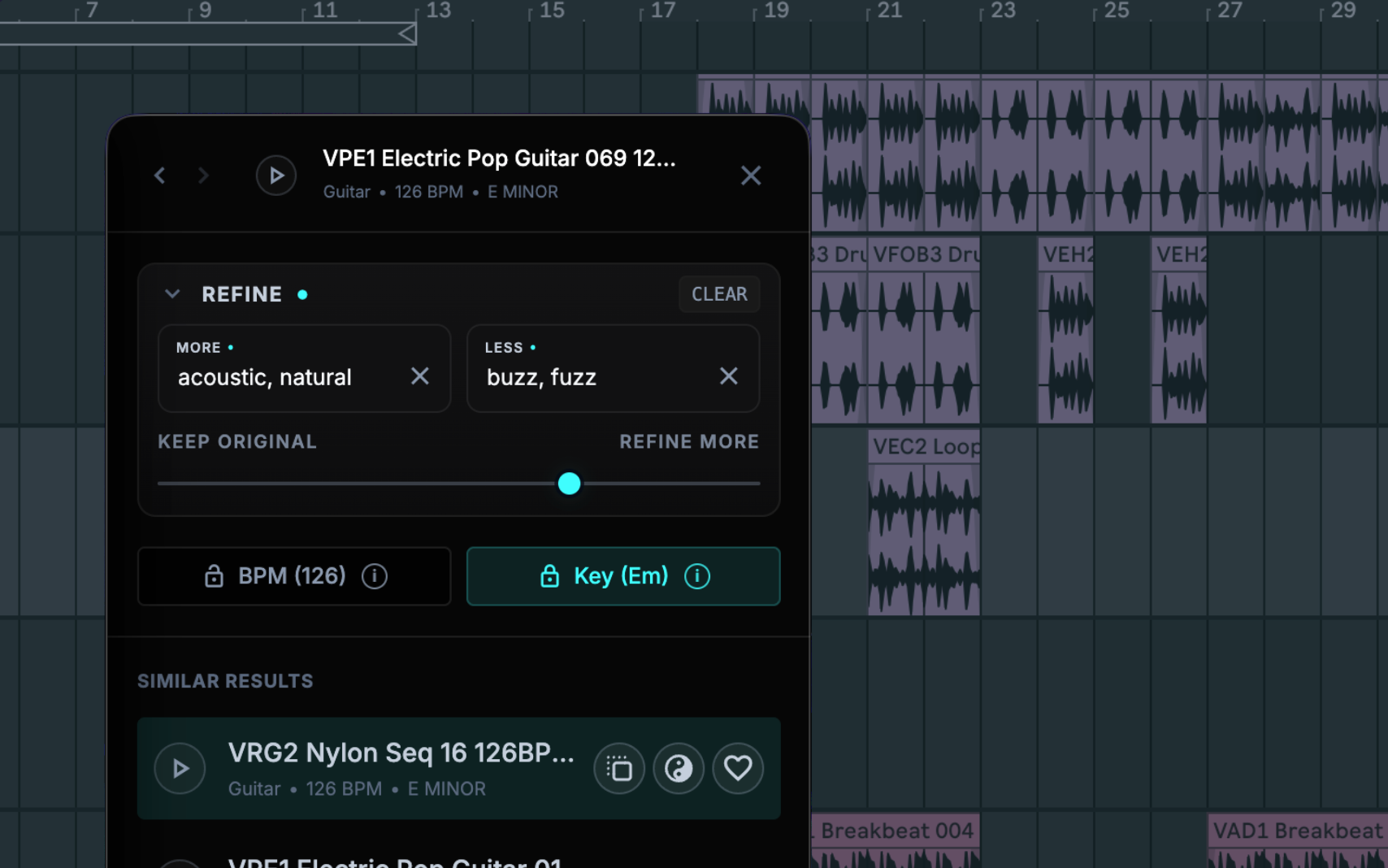
REFINE RESULTS
Start from a sound that's close, then explore similar or complementary matches without breaking flow.
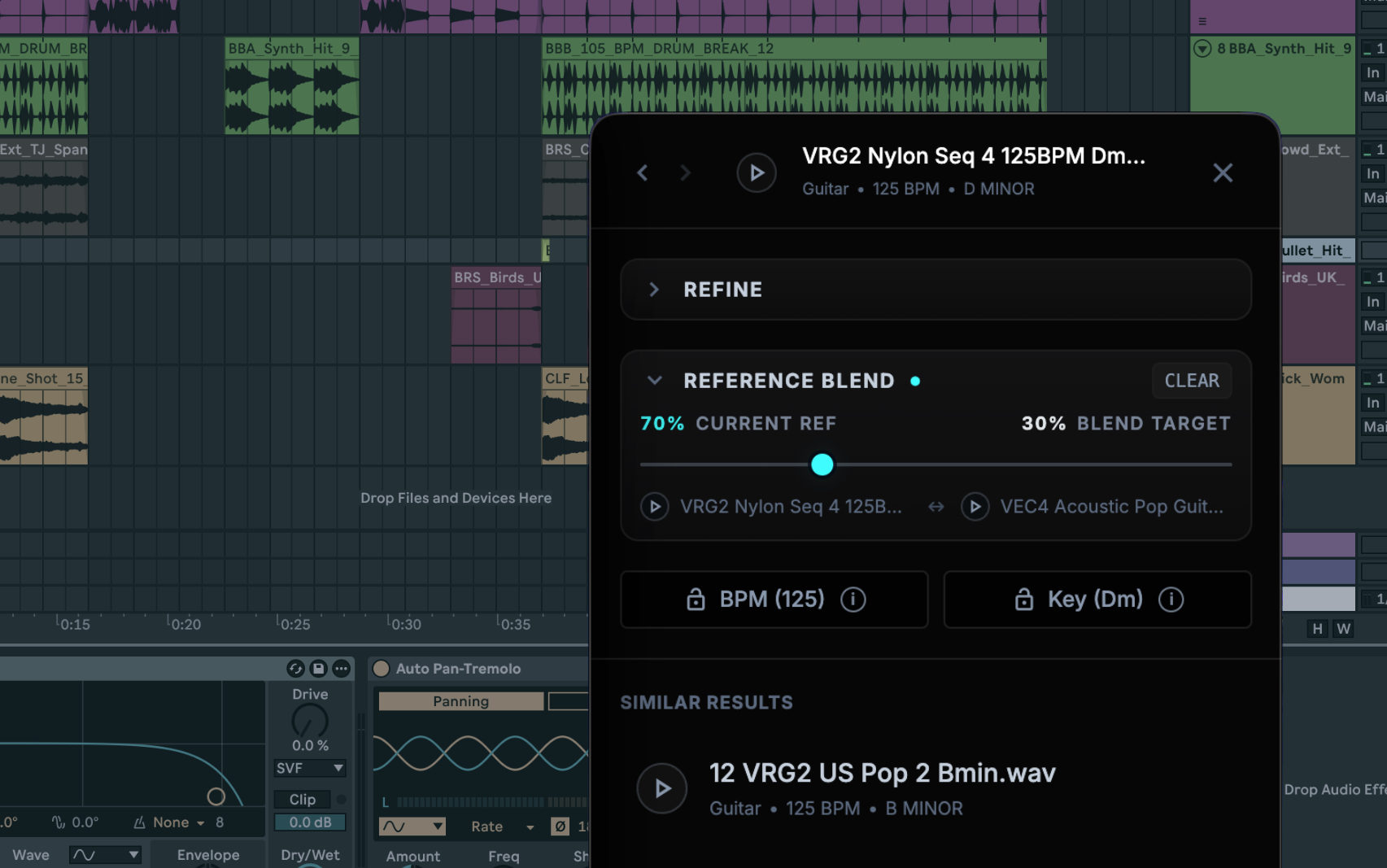
BLEND REFERENCES
When two sounds each have something you want, find results that combine the qualities you like from both.
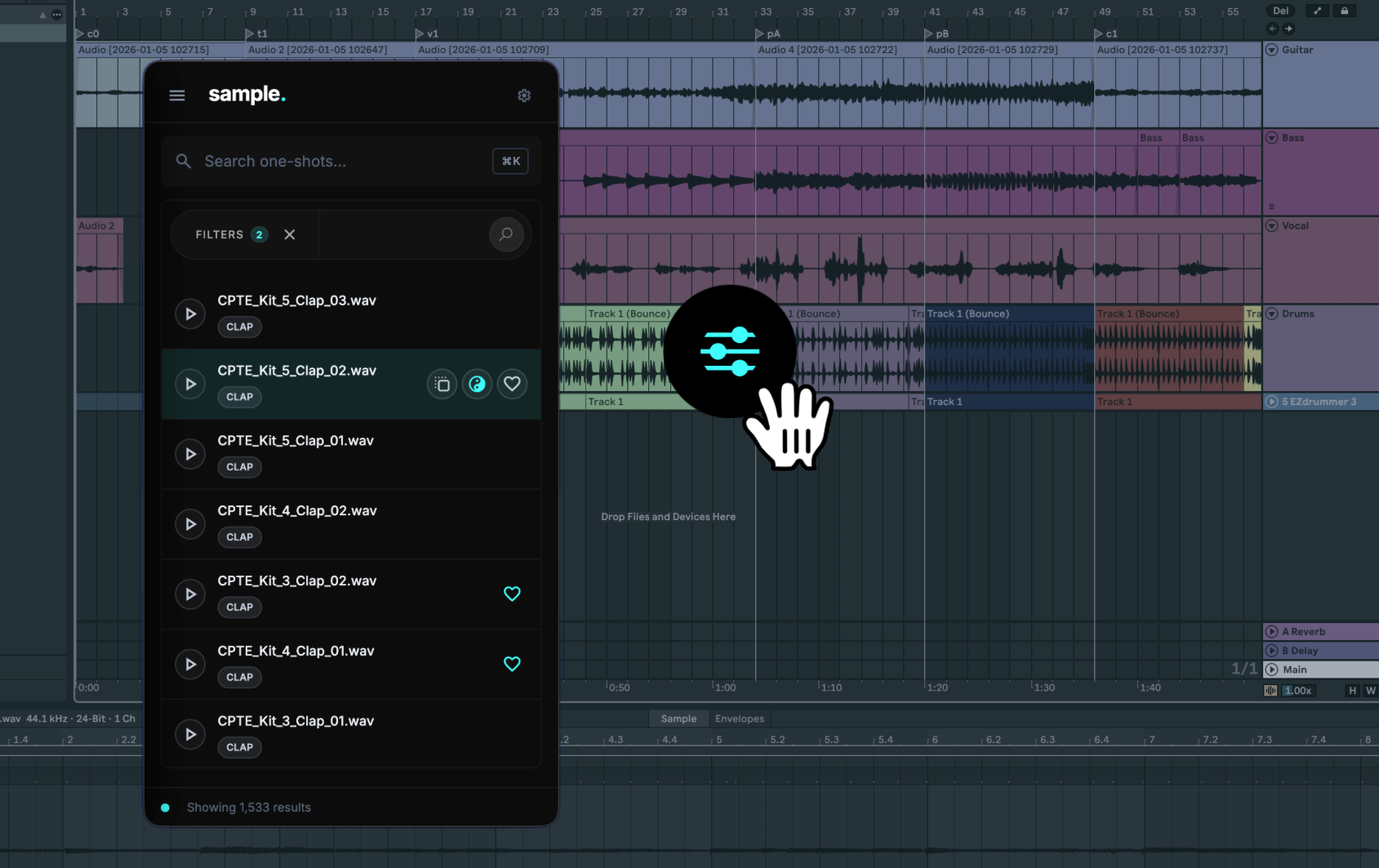
DROP INTO YOUR SESSION
Drag the right sample into your DAW and keep moving.
STOP WASTING TIME BROWSING
Sample is for producers who already own plenty of sounds, but waste too much time finding the right one. It turns “I know what I want” into “there it is.”
FIND THE SOUND YOU MEAN
Search in your own words — instrument, genre, texture, mood, or character — instead of manually previewing files one by one.
REDISCOVER YOUR OWN LIBRARY
Surface forgotten packs, kits, loops, and one-shots, and get more value from the sounds you already own.
STAY IN THE CREATIVE ZONE
Stop interrupting the session to hunt for files. Find something that fits and move on while the idea is still alive.
GET SAMPLE
A one-time purchase for producers who want faster access to the sounds they already own.
- Search your sample library with plain English
- Explore similar and complementary sounds
- Blend two references to find sounds with qualities from both
- Filter by key, BPM, and instrument
- Drag and drop, or copy samples into your session
- New files appear automatically as folders update
- Built for large libraries and real production sessions
14-day money-back guarantee
System requirements
- Apple Silicon and Intel Macs
- macOS 12 Monterey or newer (Apple Silicon)
- macOS 14 Sonoma or newer (Intel)
- Minimum 5 GB of storage.
- 8GB of RAM, 16GB or more recommended
- Internet required for activation and updates
Pay once. No monthly plan, no credits, no subscription.
Your audio stays on your machine. Search and analysis run locally after activation.
After activation, use Sample in the studio, on flights, or anywhere without Wi-Fi.
FREQUENTLY ASKED QUESTIONS
Answers about Sample, setup, licensing, privacy, and compatibility.
WHAT ARE THE SYSTEM REQUIREMENTS?
- Apple Silicon and Intel Macs
- macOS 12 Monterey or newer (Apple Silicon)
- macOS 14 Sonoma or newer (Intel)
- Minimum 5 GB of storage.
- 8GB of RAM, 16GB or more recommended
- Internet required for activation and updates
DOES SAMPLE SUPPORT WINDOWS?
Not yet. Sample supports Apple Silicon and Intel Macs. Choose the matching Mac installer from your account.
CAN I USE SAMPLE ON MULTIPLE COMPUTERS?
You can activate Sample on up to 2 computers at the same time. To move to another computer, revoke one active device and activate the new one.
DO I NEED TO RE-SCAN WHEN I ADD NEW PACKS?
No. Once you add your folders, Sample keeps them in sync and new audio appears automatically.
IS THIS A SUBSCRIPTION?
No. Sample is a one-time purchase. No monthly plan, no credits, no subscription.
WHAT IS THE REFUND POLICY?
Every purchase is covered by a 14-day money-back guarantee. If Sample isn't right for you, email help@sample.audio within 14 days of purchase for a full refund.
DOES IT WORK OFFLINE?
Yes. After activation, Sample works offline in the studio, on flights, or anywhere without Wi-Fi.
IS MY AUDIO SENT TO THE CLOUD?
No. Your audio stays on your machine. Search and analysis run locally after activation.
DOES SAMPLE WORK WITH MY DAW?
Sample is a standalone desktop app. You can drag and drop, or copy samples from Sample into your DAW.
WHO IS THIS FOR?
Sample is for producers, beatmakers, composers, and sound designers with enough sounds that finding the right one has become the bottleneck.
STOP DIGGING.
START FINDING.
If your sample library is big enough to slow you down,
Sample turns it into an advantage.
14-day money-back guarantee
One-time purchase. Private by design. Works offline.
The bigger your library, the better.