Your whole library becomes a creative instrument.
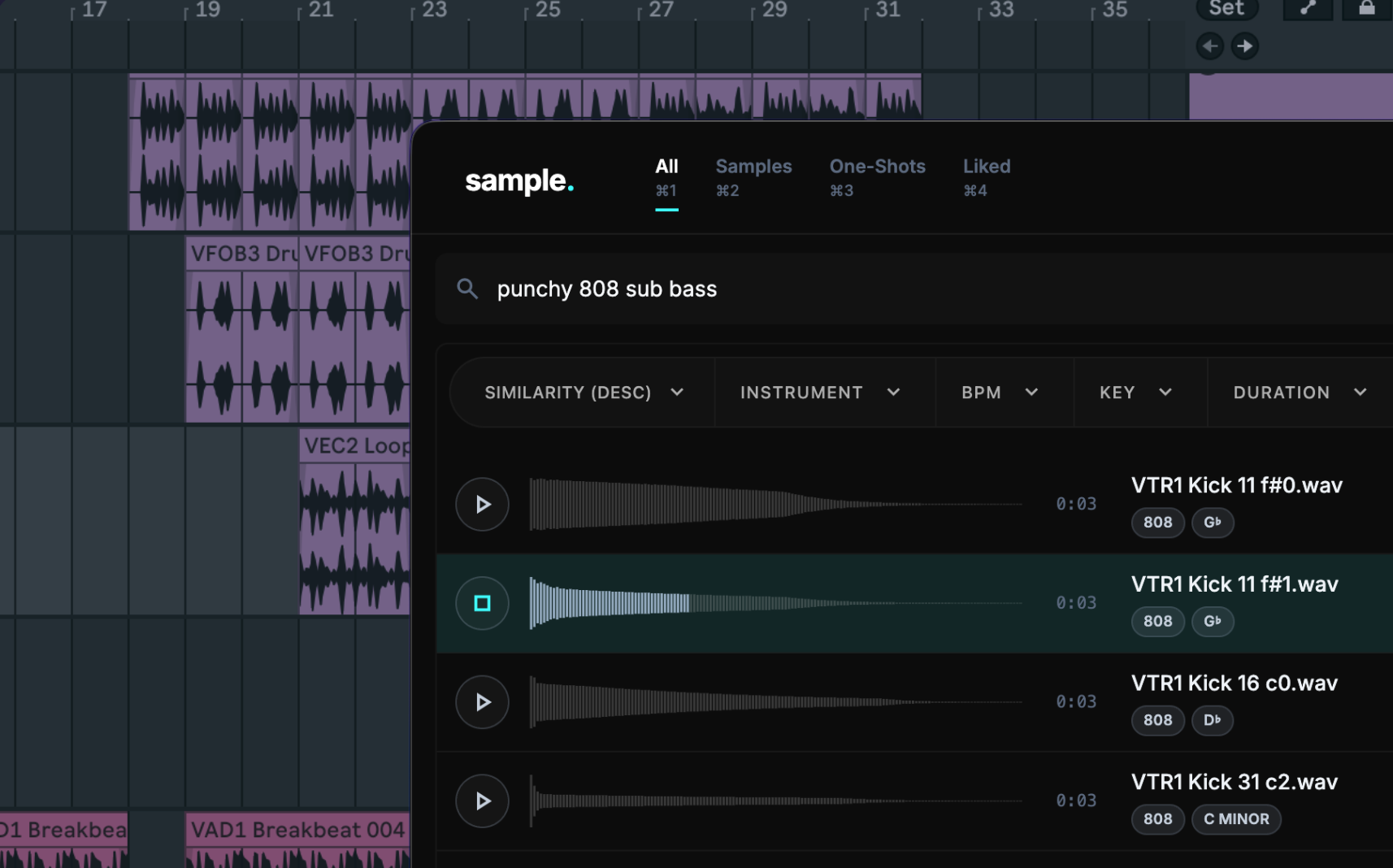
Choose Sample when you are ready to search the audio itself in plain English, steer from references, find complementary layers, and blend two sonic directions.
Choose Sample
ADSR Sample Manager centers on tagging, browsing and DAW-synced preview. Sample starts from a description of the sound you want and searches the audio in your own library.
Feature lists blur together. Creative intent does not.
Choose Sample when you are ready to search the audio itself in plain English, steer from references, find complementary layers, and blend two sonic directions.
Choose SampleChoose ADSR Sample Manager when tag-and-filter browsing and tempo/key preview synchronized with your DAW suit your workflow.
Visit ADSR Sample Manager →Four creative moves. One library. No hand-tagging project before the fun begins.
“Dusty piano, close, imperfect, not too bright.” Sample searches the sound—not only its label.
Start from “almost right.” Ask for more organic, less harsh, shorter, heavier, or softer.
Search for contrast and support when another near-duplicate is exactly what the arrangement does not need.
Use the weight of one reference and the texture of another to uncover an existing sound between them.
Explore Blend →The sound in your head should not disappear while you decode filenames. Ask naturally, preview the best options, and drag the winner into the track.
Short, direct, and focused on the work you will repeat.
ADSR Sample Manager summary: macOS and Windows; verify current installer requirements with ADSR; Standalone + plugin/DAW workflow documented by ADSR. Official focus: Library organization, tagging, preview, store integration and DAW sync.
On searching with Sample
“In many cases I used it directly after doing manual searches and it turned up stuff that was spot-on and that I’d somehow missed myself.”
That is six extra four-hour sessions from one small improvement to the part of production you repeat constantly.
Simple planning example using 50 active weeks. Your results depend on your library and workflow.
This comparison is written by Sample. Vendor features, prices, and compatibility can change. Corrections are welcome at help@sample.audio.
Sample searches and analyzes locally on Mac and Windows. Your audio stays on your computer. Use it offline after initial setup and activation, drag results into any DAW, and request a refund within 14 days if it does not improve your workflow.