How to search sound effects by description
Describe the event first, then add the material, action, or perspective that distinguishes it. Search broadly enough to find candidates, audition against the scene, and use a close result as a reference for the next search.
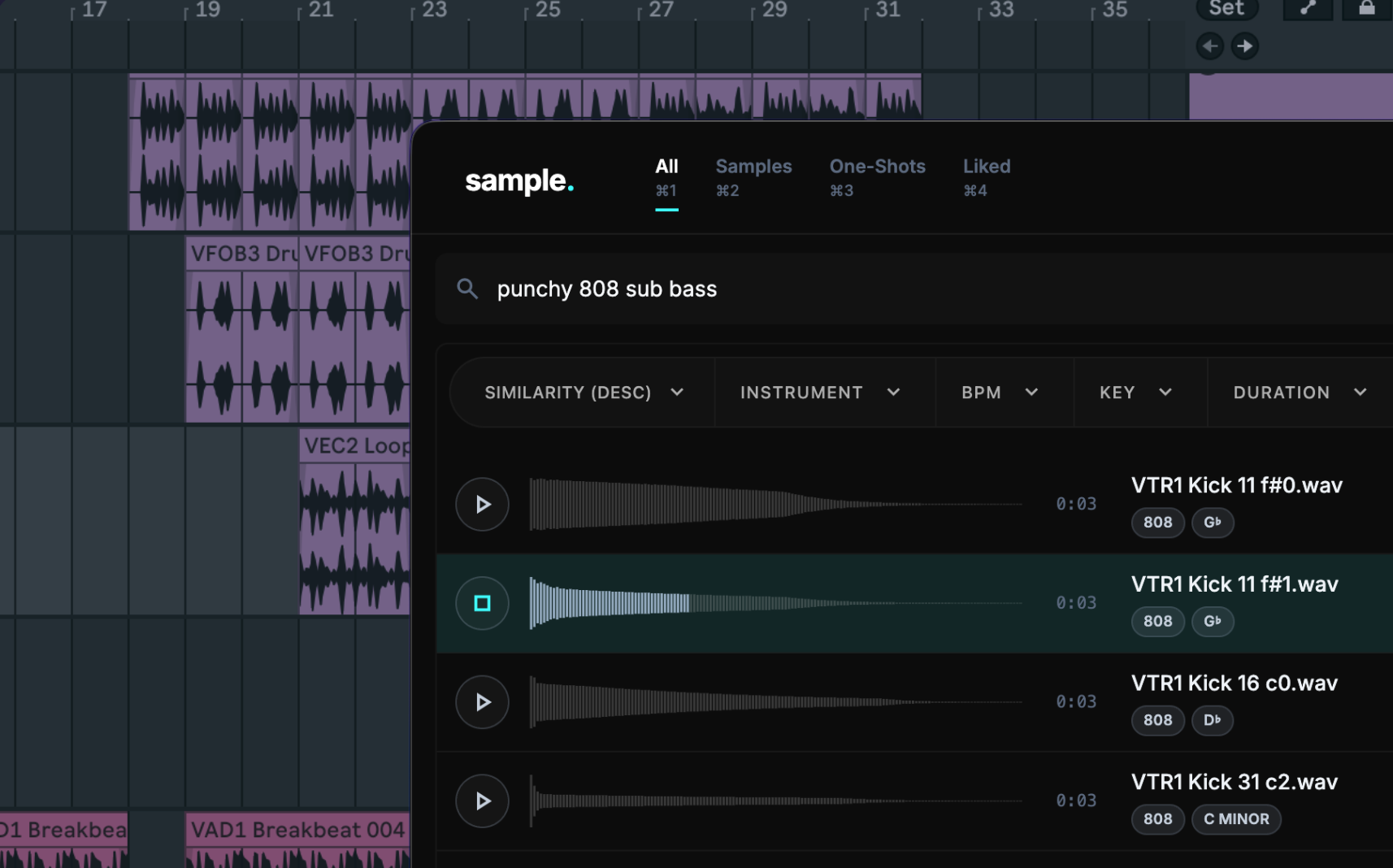
Start with what happens in the scene.
“Tense” could describe a string drone, an engine, or a door that refuses to close. Naming the event narrows the search more usefully than stacking mood words. Begin with “metal door scraping shut,” then add the one property that would make the result usable.
A useful query pattern is source or event + action + material + perspective. You do not need all four parts. “Boots running on wet gravel” already names an action, a surface, and the kind of contact. “Distant metal impact in a large space” puts perspective and reverberation first.
Separate what you need to hear from what the picture means. The picture may show an abandoned spaceship, but the audible pieces might be a low mechanical hum, intermittent panel rattles, and a failing electrical buzz. Search for those layers individually when the complete concept gives vague results.
Use descriptions that distinguish one recording from another.
Here are starting queries for a local sound-effects library. Adapt them to the recordings you own. These examples describe search intent; they do not represent a bundled library or verified results from your collection.
| If the brief says… | Try describing… | Listen for… |
|---|---|---|
| A threatening machine | A low uneven motor with metallic rattles | Weight, instability, and space for dialogue |
| A fragile interface | A tiny glass click with a short bright tail | A clear attack that remains readable when quiet |
| A huge underground hit | A distant heavy impact with a long dark echo | Scale, distance, and the shape of the decay |
| A lonely corridor | Quiet indoor air with faint ventilation | A continuous bed without distracting foreground events |
Material words such as wood, glass, gravel, cloth, and metal can make a query more specific. Perspective words such as close, distant, indoor, and dry describe how the event should sit in the scene. Choose the dimension that matters most before adding another.
Use a close result to explain the next search.
In Sample, add the folders containing your effects and let analysis finish. Enter a description, preview candidates, and select a close match as a reference. Similar-sounds search can help find alternatives when it is easier to recognize the character than name it.
Refine one property at a time: less bright, more organic, softer, or heavier. If you need something beside the reference, switch to complementary search. A door movement and its low structural layer serve different jobs; another nearly identical door recording may not supply the missing weight.
If two existing sounds each express part of the idea, Blend searches between two references. It retrieves another existing file from your library. It does not combine, render, or generate new audio.
For the underlying text-search workflow, see plain-English search in Sample. Keep the description grounded in audible properties, then let the scene determine which result is right.
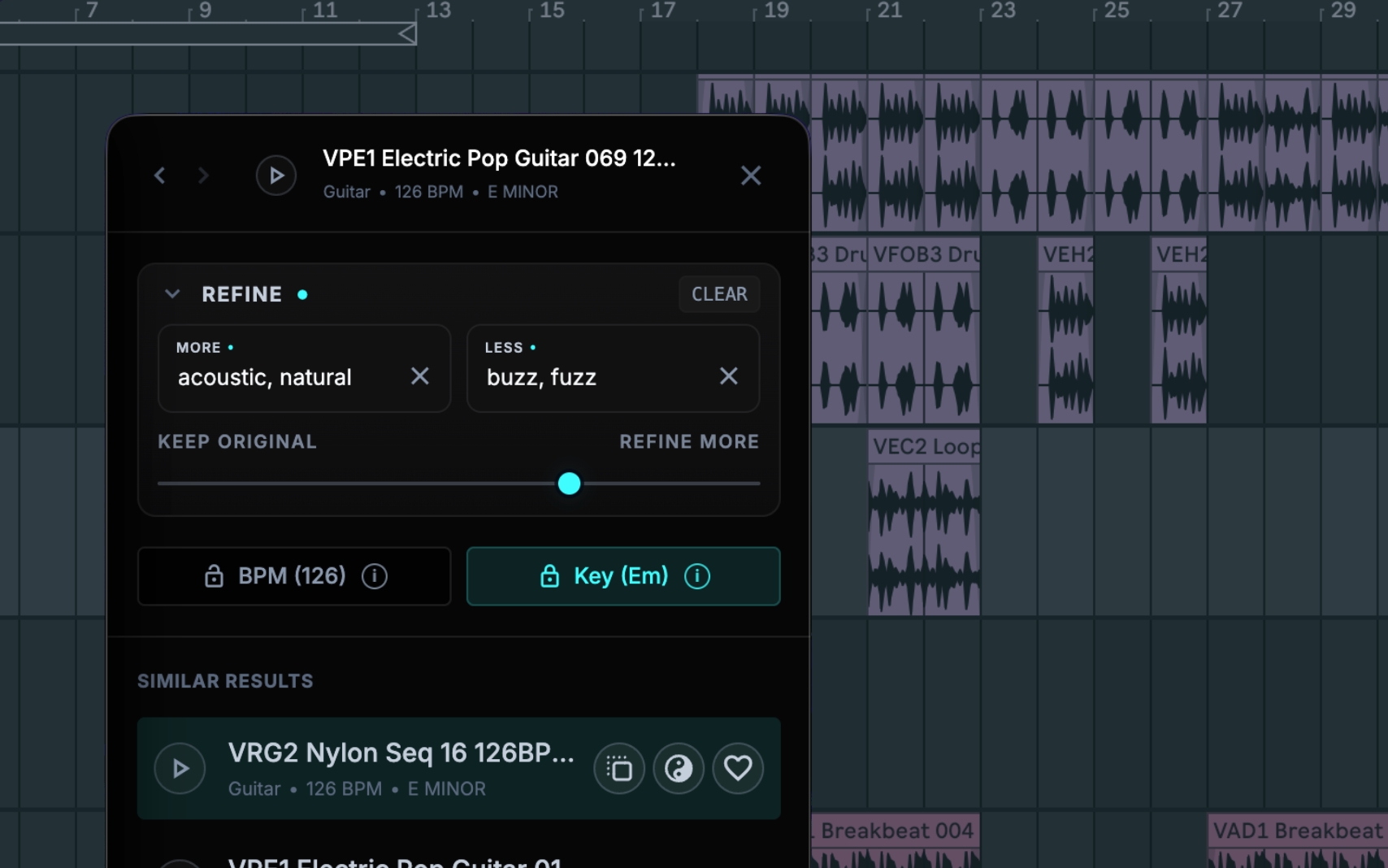
Check timing, perspective, and room for the rest of the mix.
A search result is a candidate for the edit. Place it against the picture or game event and listen to where its attack lands, how long its tail lasts, and whether its space agrees with the scene. A beautiful long recording may still need trimming or processing in your audio editor.
For Foley, check the rhythm and contact detail. For an ambience, listen across the intended duration for distracting voices, bumps, or changes. For an interface sound, test it at the level and repetition rate it will have in use. A single isolated preview cannot answer all of those questions.
Leave out musical constraints that do not help the task. Most footsteps, doors, and room tones do not need a key or BPM filter. If the result set is unexpectedly narrow, remove those filters and listen again.
Search can reveal a recording, but it cannot supply a missing one.
Sample searches your connected local audio library. It is not a stock-effects marketplace, an audio generator, or a reverse lookup service that identifies the original source of any clip on the internet. If you do not own a suitable recording, broaden the description, build a layer in your editor, or record the missing component.
Descriptions and similarity are approximate. The result still needs your ears, the scene, and the project’s delivery requirements. Keep source information with the recording so you can find it again and check its permitted use when the project calls for that.
The useful loop is simple: describe, listen, refine, and place the sound in context. Once the effect carries the scene, move on to the next creative decision.
Keep exploring your library.
Explore Sample’s local audio search or see pricing and purchase details.